Pixelite
Pixelite
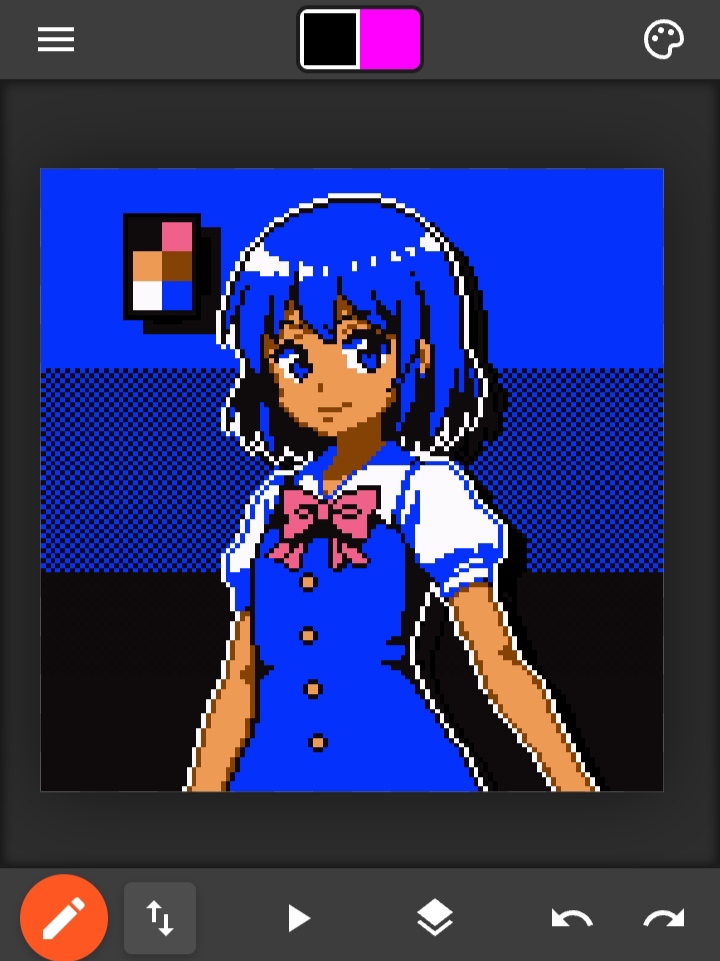
Collaborative pixel art editor that works in your browser and on Android.
Features
- Animation timeline with frame-by-frame control, adjustable FPS, and frame timing
- Layer system with add, remove, duplicate, reorder, visibility toggle, and merge up/down
- Drawing tools including pencil, eraser, line, rectangle, ellipse, paint bucket, and pipette
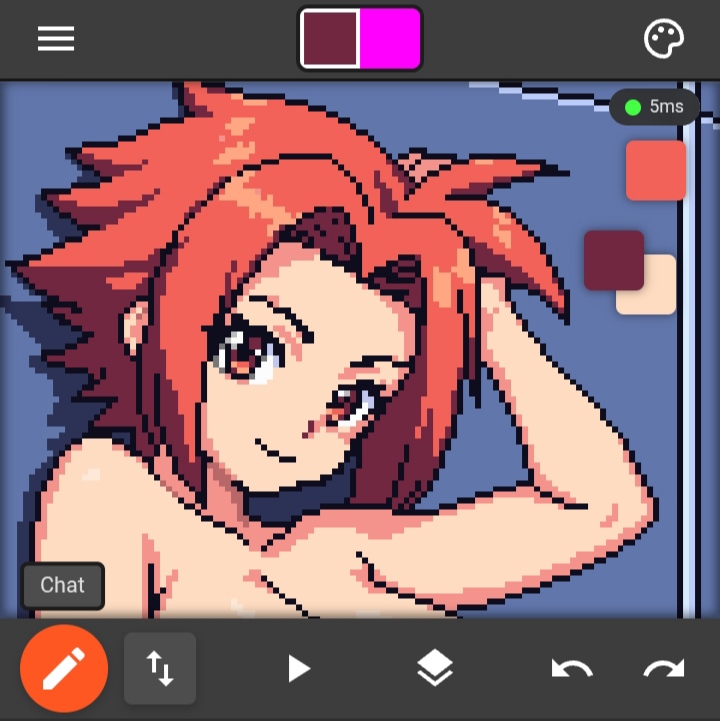
- Real-time collaboration – draw with friends, see cursors, chat, and session management
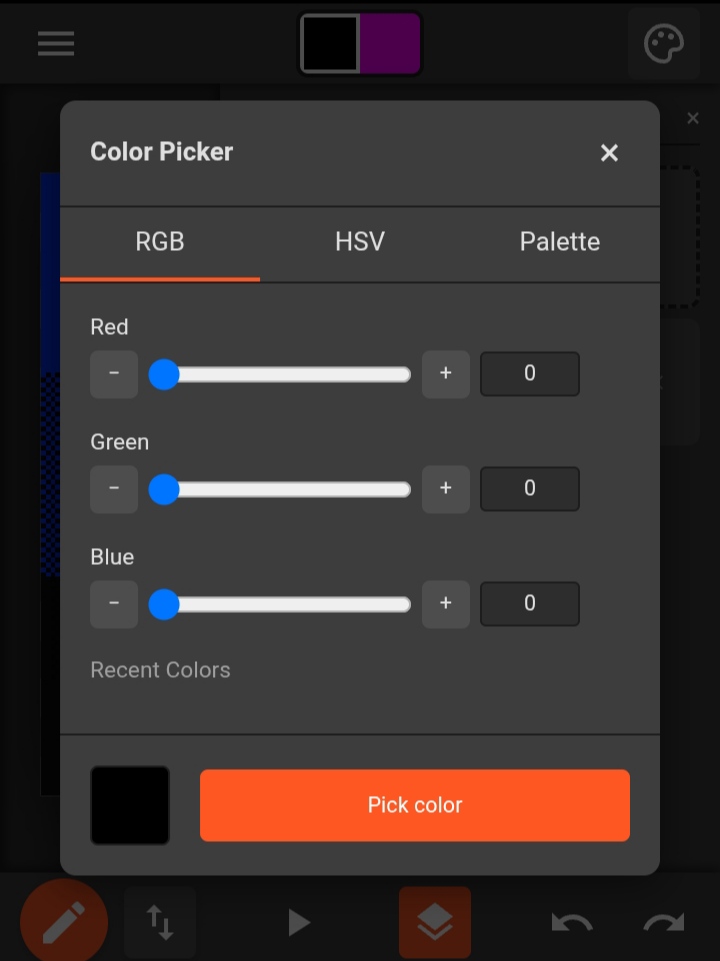
- Color picker with RGB/HSV sliders, palette management, recent colors, and drag-to-pick
- Grid overlay system with customizable size, color, and opacity
- Canvas resize and transform tools (flip, rotate, scale)
- Spritesheet loader with grid slicing and frame selection
- Reference image system with trace (single) and floating (multiple draggable) modes
- Import/export support for PXL (native), PNG, PSD, and PAL palette files
- Undo/Redo history with batch operations for complex actions
- Touch gestures: pinch to zoom, two-finger pan, three-finger brush resize
- File browser for local file access (works in browser and Cordova)
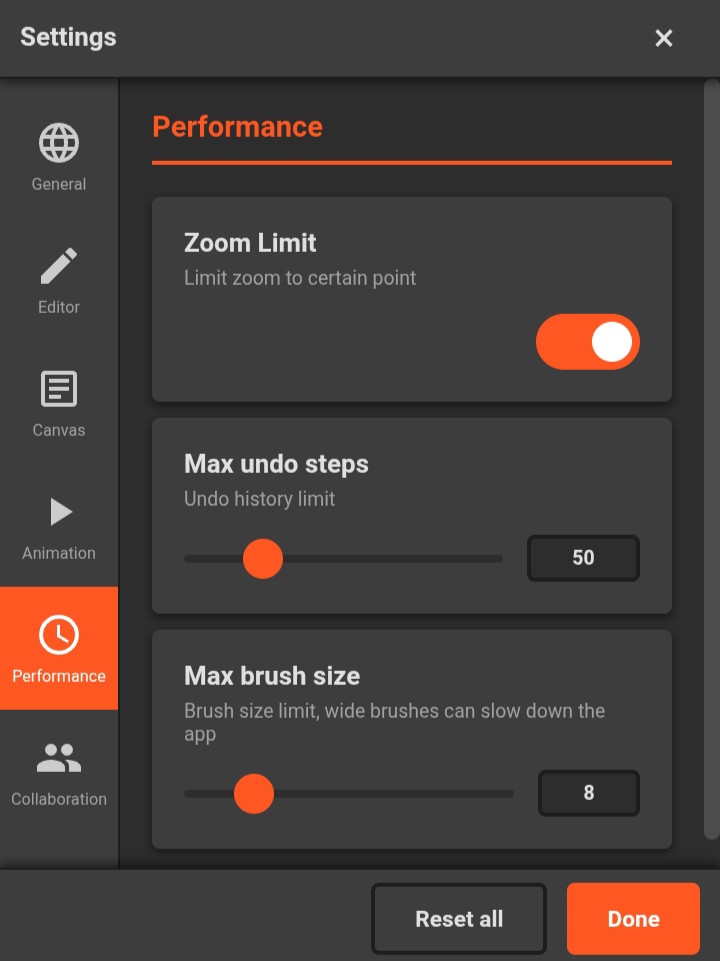
- Settings panel with language, theme, performance, and collaboration preferences
- Timelapse export from drawing history
- Floating palette colors with drag-to-delete zone
- Works on desktop and mobile browsers
- Native Android app via Cordova
Tools & Settings
Pencil, eraser, bucket fill, line, rectangle, ellipse, and pipette. Adjust brush size, toggle perfect shapes for rectangles and ellipses, and customize your color palette. Everything behaves as you'd expect—no surprises.
Collaborative Mode
Host a session, share the ID, and draw together in real time. See other users' cursors, chat, and watch their strokes appear instantly. Permissions let you control who can draw, manage layers, or add frames.
Download
Click download now to get access to the following files:
Development log
- v1.0.1 - First usable versionMar 19, 2026
- v1.0.0 - First ReleaseFeb 27, 2026